Matchboard guide
Your first animated board in five minutes.
A practical walkthrough for turning a formation into an animated coaching story.
01
The Core Concept: Keyframe Animation with Moments
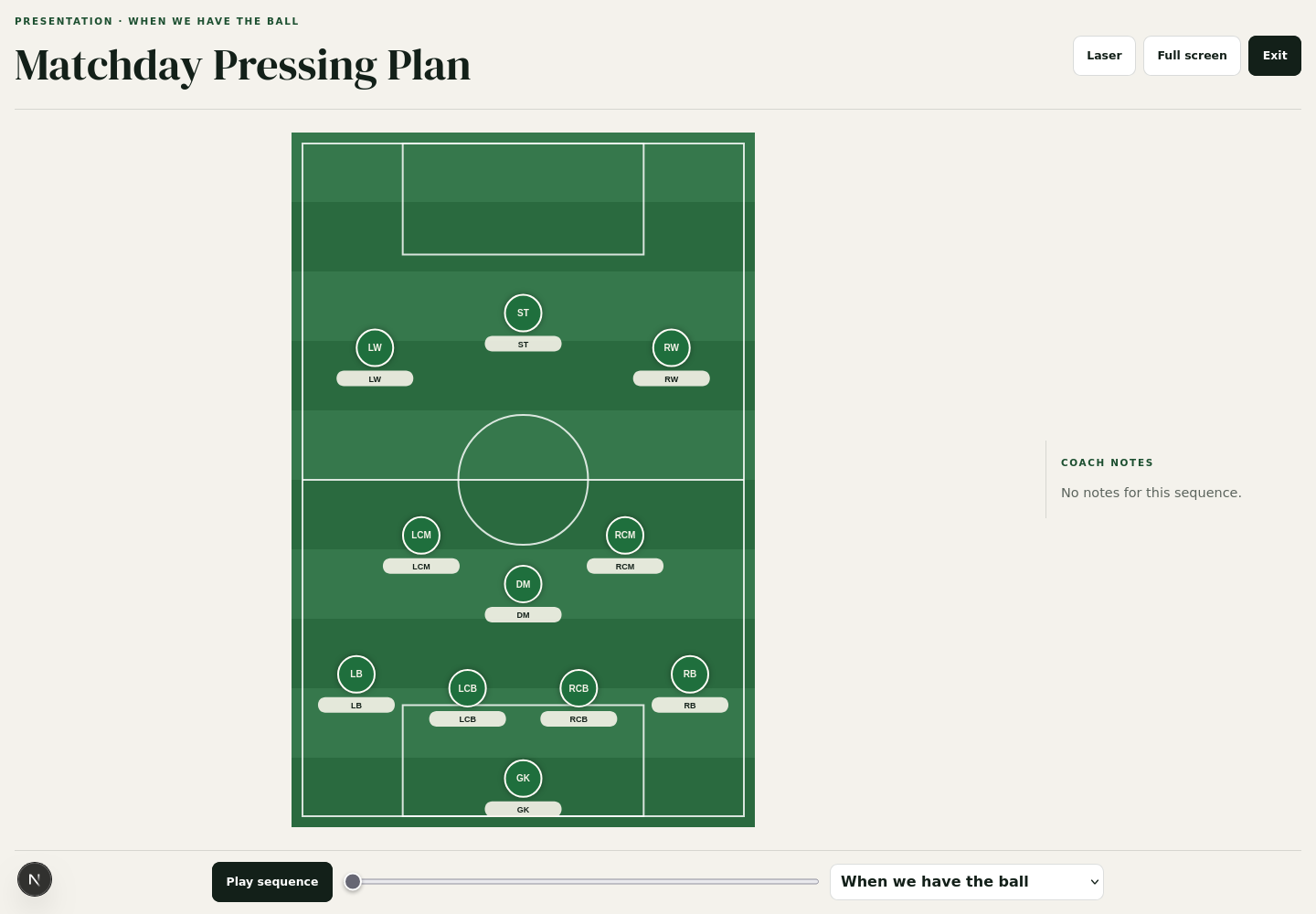
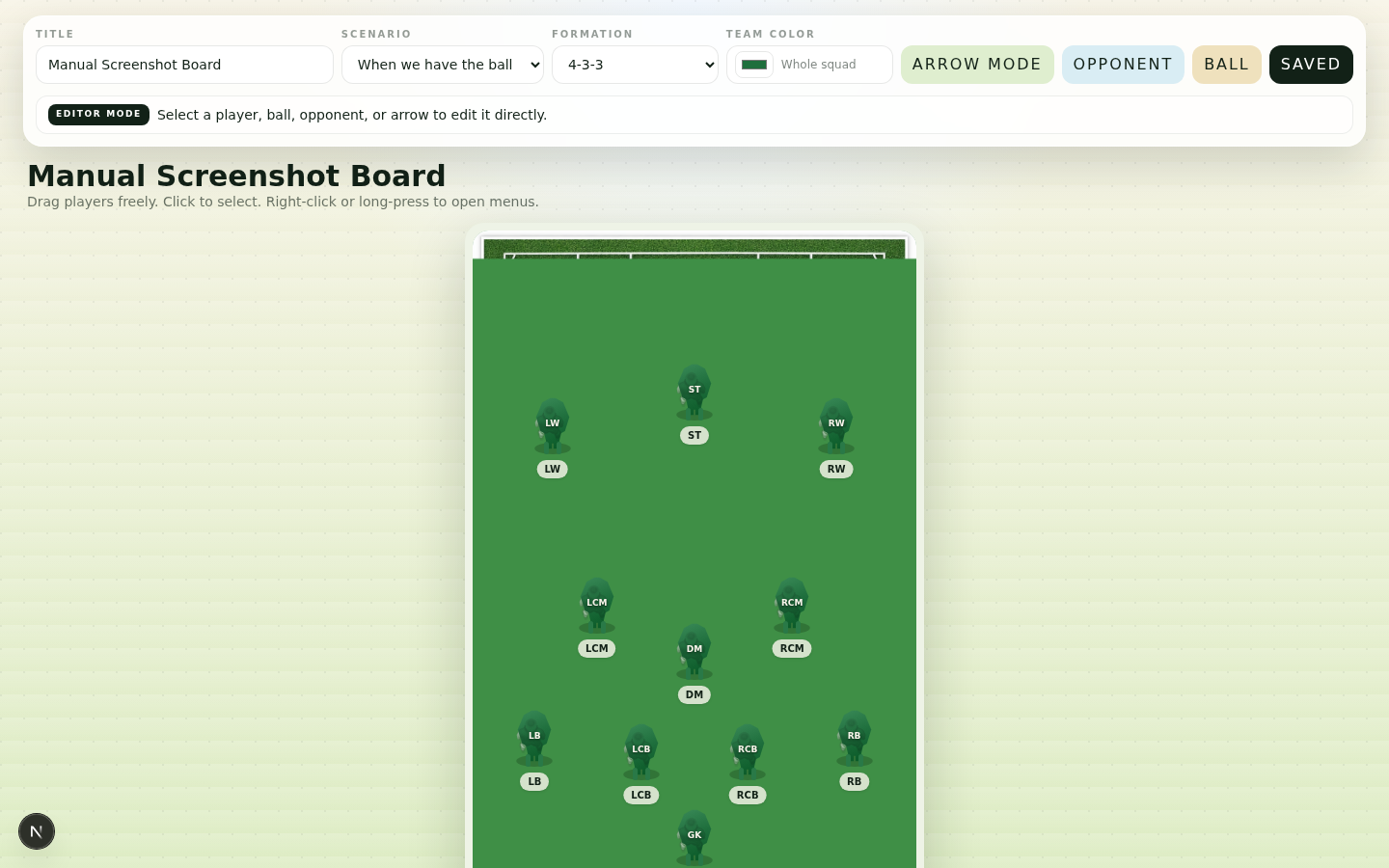
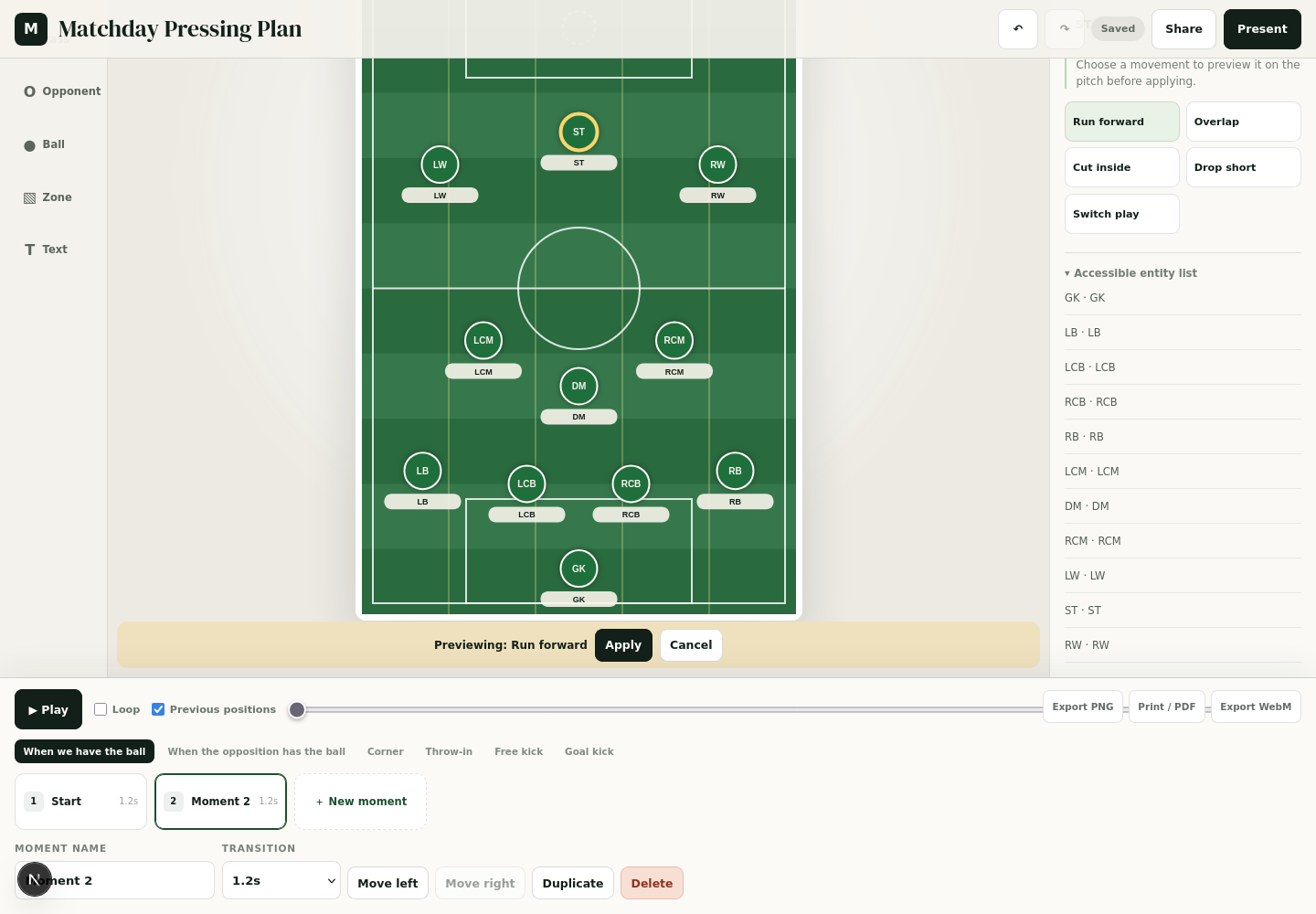
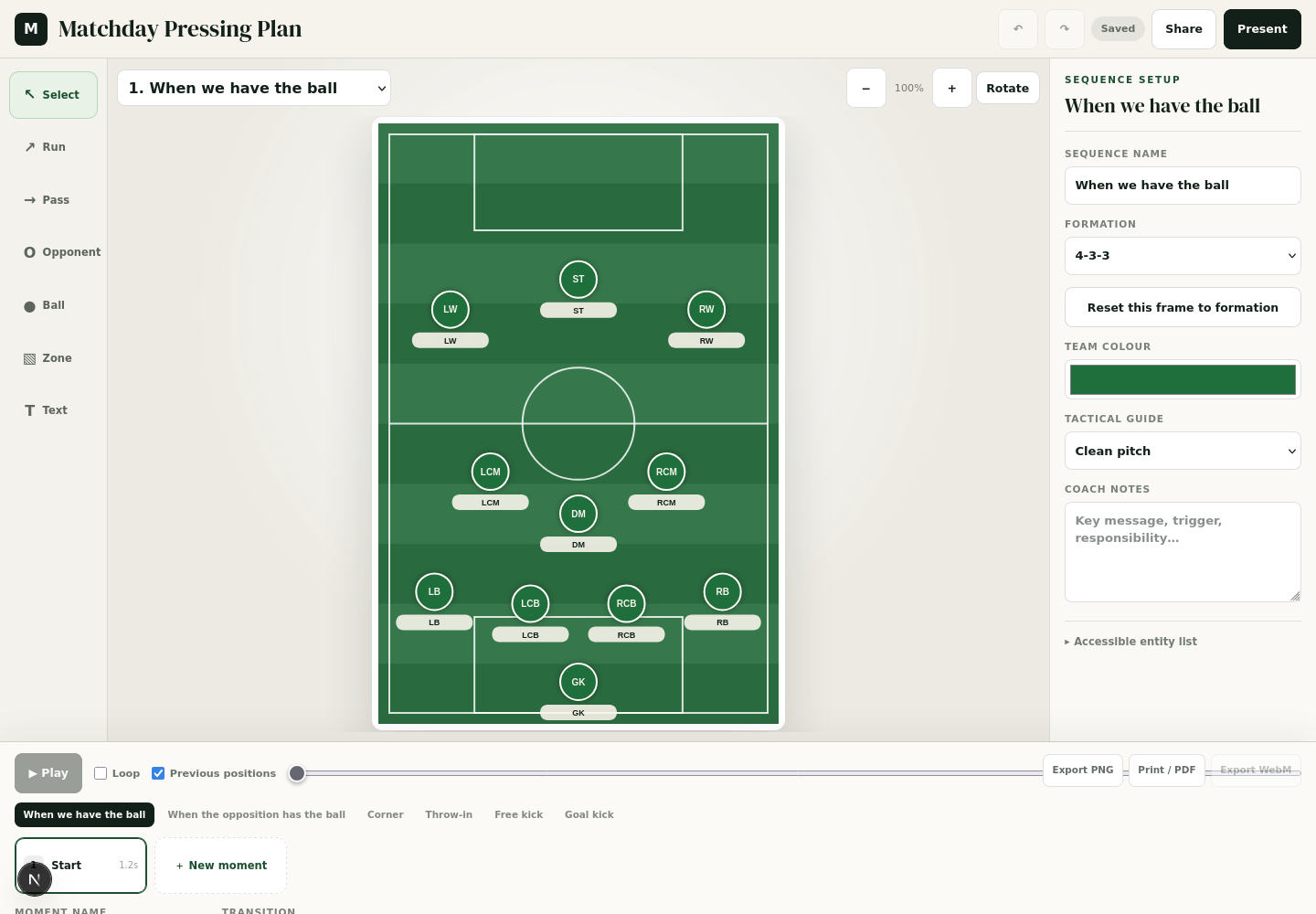
Matchboard uses a keyframe animation system. Instead of recording live dragging, each sequence contains one or more "Moments" along the bottom storyboard. To create animated movement, simply duplicate a moment, move your players or the ball into their new positions, and press Space or Play. Matchboard automatically interpolates and smoothly glides every player to their destination.
02
Navigating the Pitch Workspace
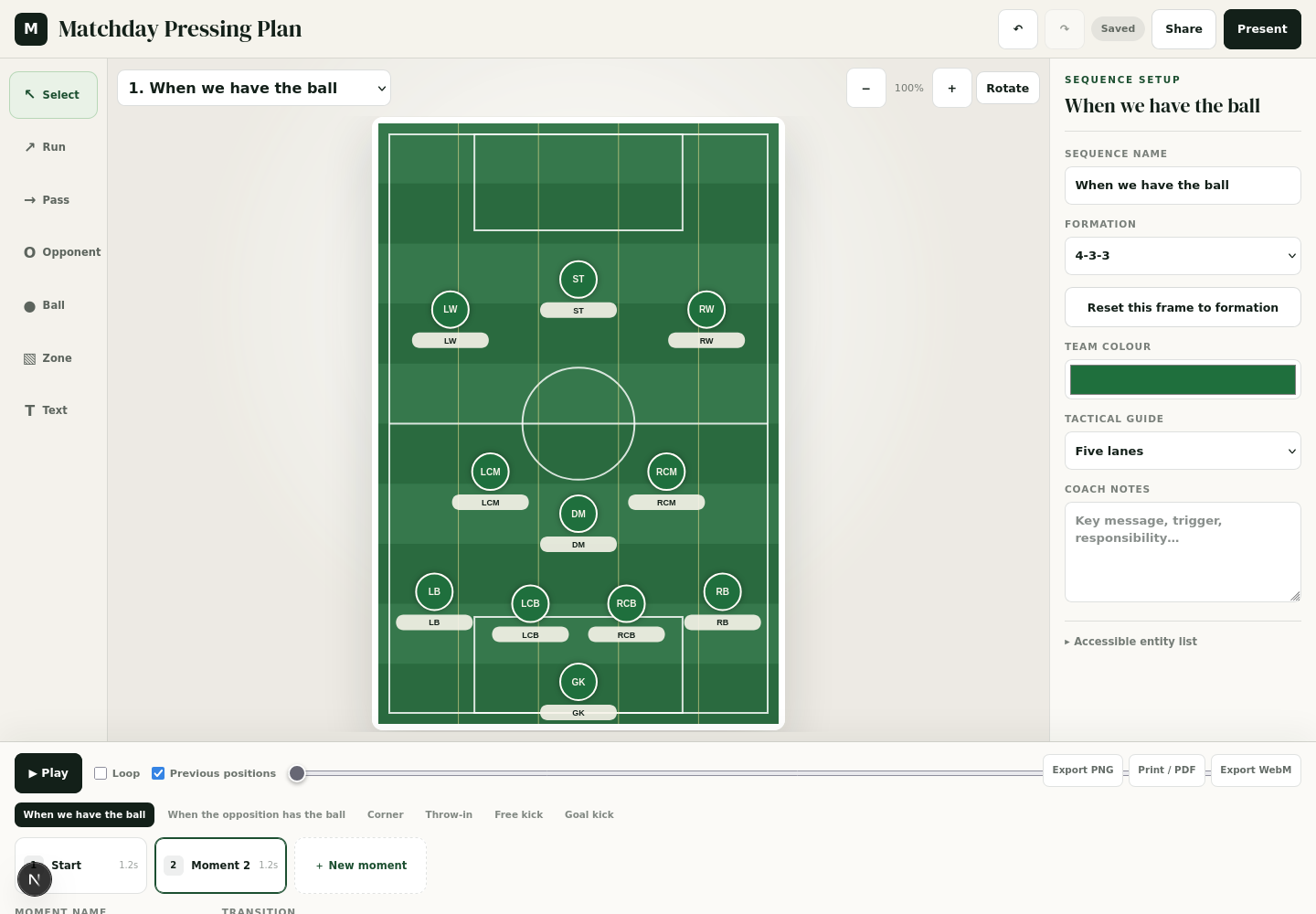
The workspace gives you complete control over pitch presentation. You can rotate between portrait and landscape modes, zoom in to focus on tight box defending, and toggle professional tactical overlays to explain positional responsibilities to your squad.
03
Contextual Player Coaching Menu
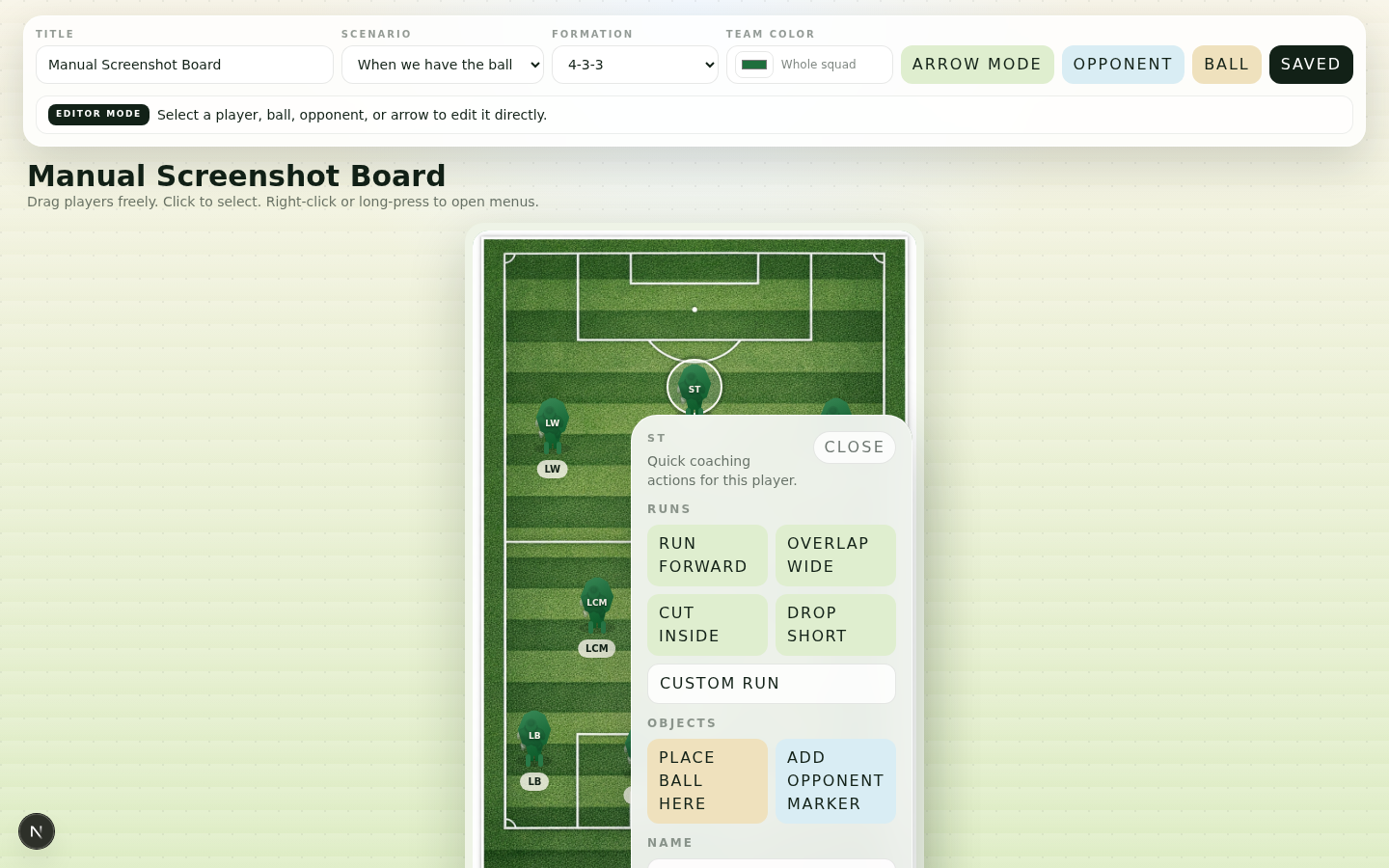
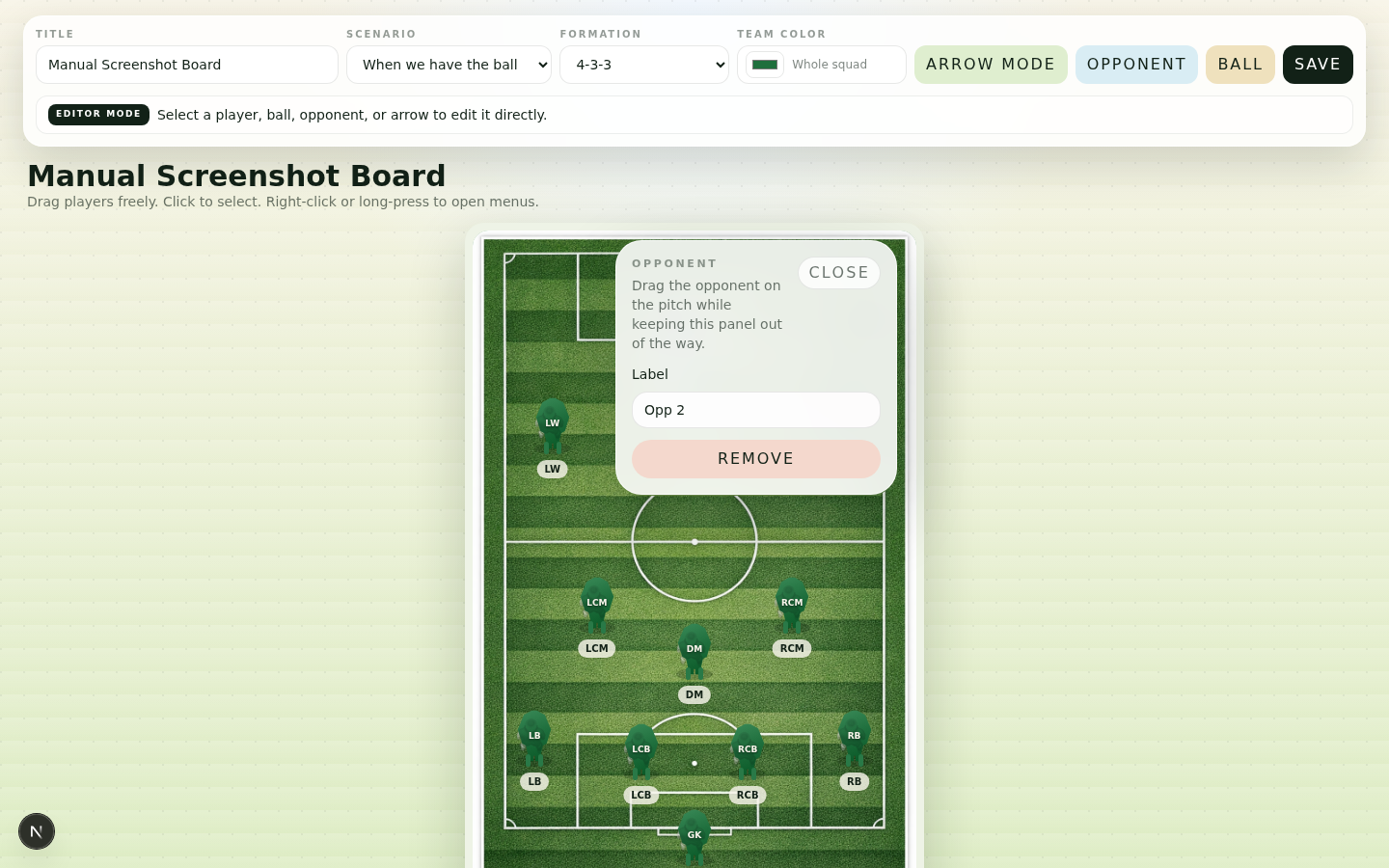
Right-clicking any player token on desktop or holding your finger for 450ms on a tablet/touchscreen opens a floating coaching menu directly over the player. You can trigger preset movement runs with ghost previews, place a ball at their feet, spawn an opposing marker, or rename the player inline without leaving the pitch.
04
Curved Movement Arrows & Passing Lines
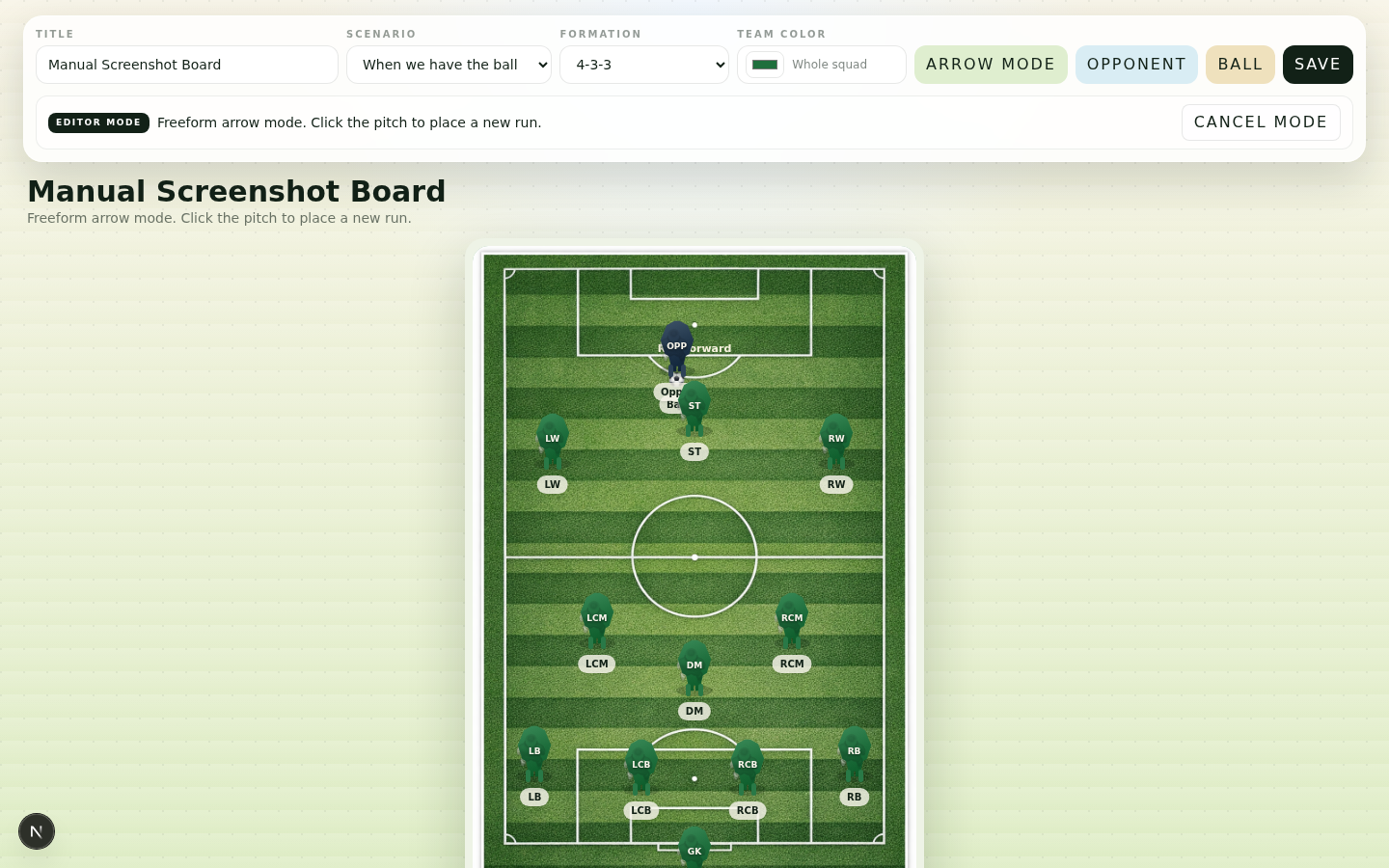
Footballers rarely run in straight lines. Matchboard features fully editable curved arrows. Simply select the Run or Pass tool, place the arrow, and drag the gold midpoint handle directly on the pitch to bend the run around defenders into a realistic arc.
05
Training Equipment & 1-Click Opposition Setup
Turn any tactic into a complete training drill. Use the equipment rail to place training cones, free-kick mannequins, mini target goals, and agility hurdles. When preparing for matchday, deploy a complete 11-player opponent shape in one click.
06
Tactical Units & Synchronized Multi-Player Dragging
Coaching team compactness requires moving defensive or midfield lines in unison. With Shift+Click multi-selection or the 1-tap "Select Defense" / "Select Midfield" buttons, you can select multiple players and drag any one of them to move the entire unit across the pitch synchronously.
07
Matchday Tactical Dossier & Print Pack
Click the Dossier button in the top bar to open the printable Matchday Pack (/editor/[id]/dossier). Built for physical dressing room handouts, staff binders, and PDF exports, the dossier includes starting XI tactical responsibilities, substitute benches, set-piece routines, and frame-by-frame pitch diagrams.
08
Presentation Mode, Sharing & Offline PWA
When it is time to deliver the tactical briefing, click "Present" for a clean, distraction-free view designed for projectors, TVs, and tablets. Matchboard works completely offline as an installable PWA with automatic IndexedDB synchronization.